Instant Scan
Scan QR codes from camera or photo library with quick recognition.
All-in-one QR Companion
EasyCode gives you a smooth way to scan any QR code, generate your own, and keep everything organized in one place.
Real product posters for EasyCode core flows: create, scan, and result actions.
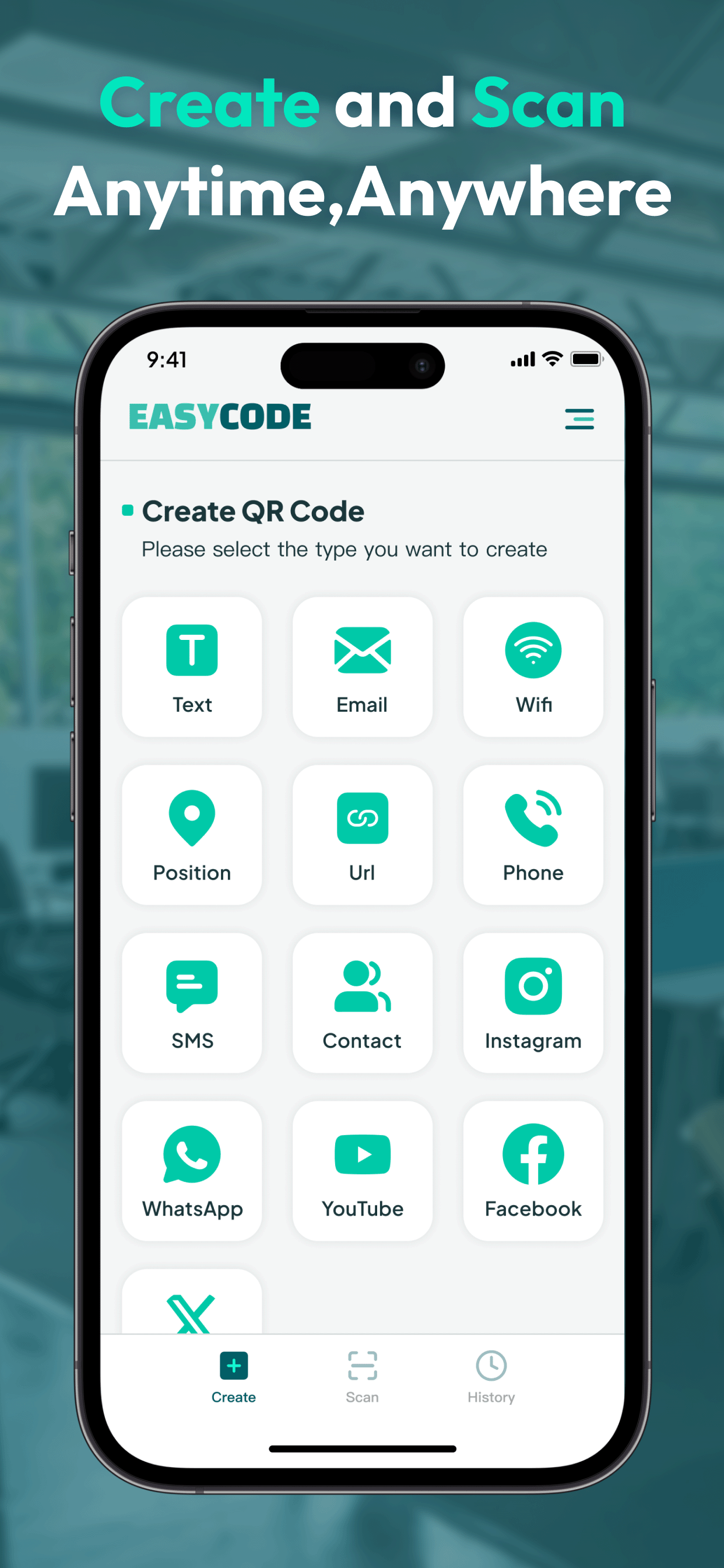
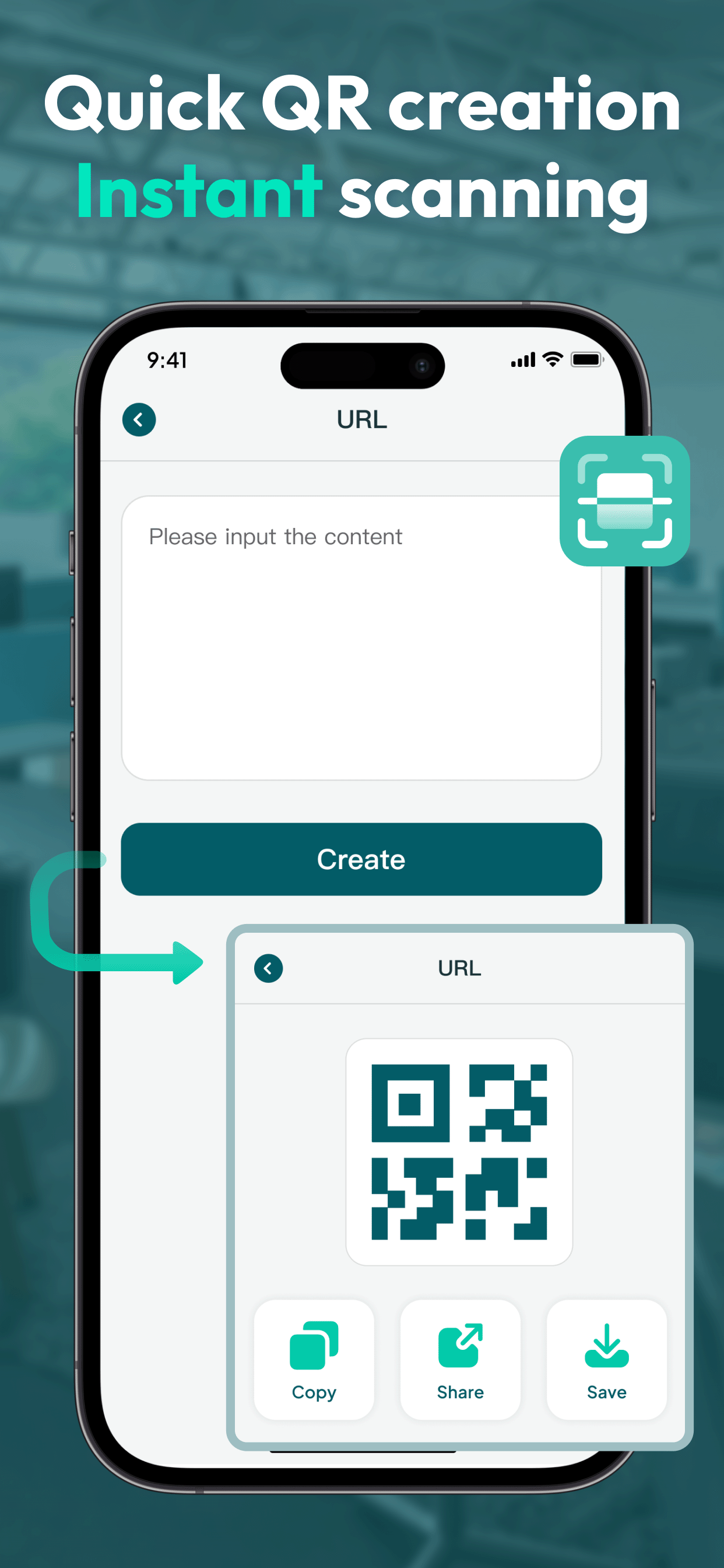
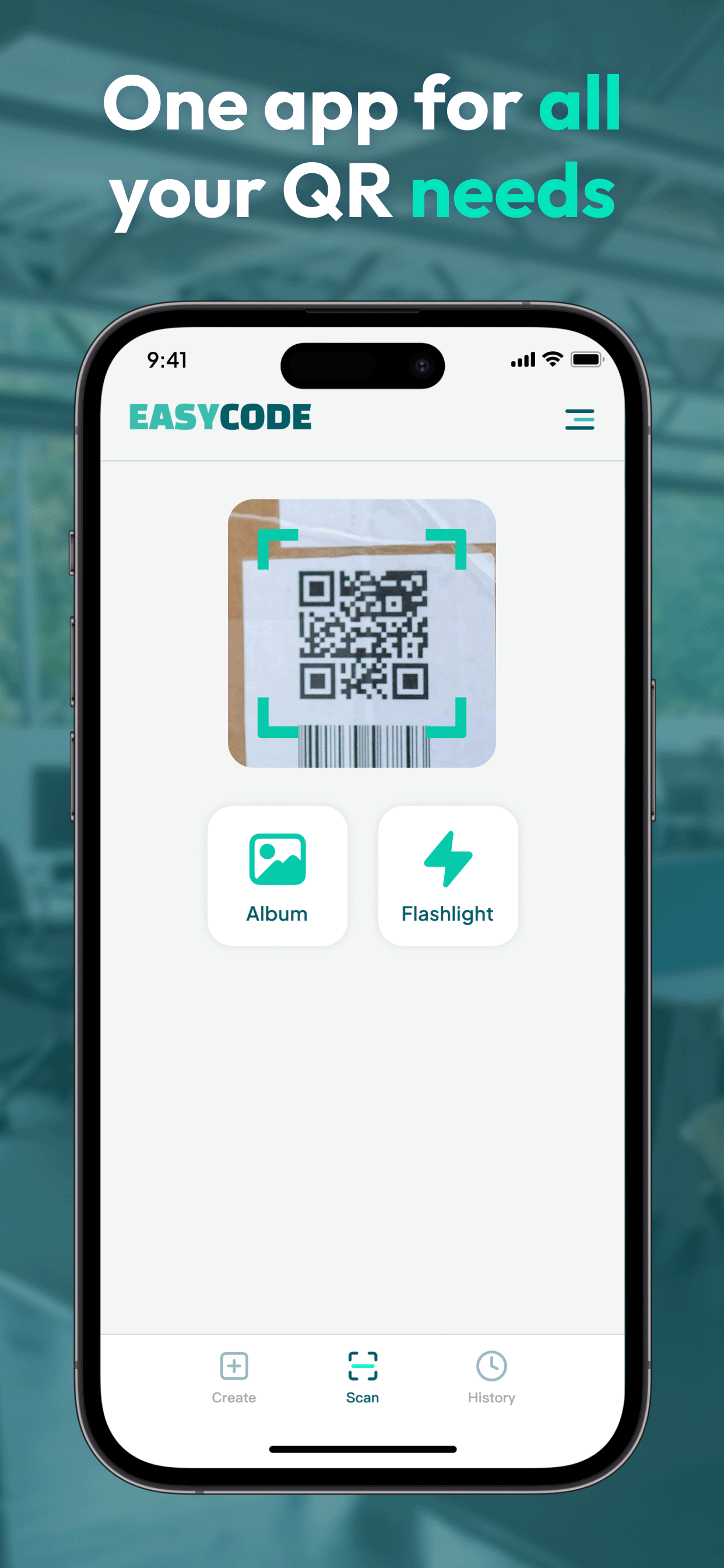
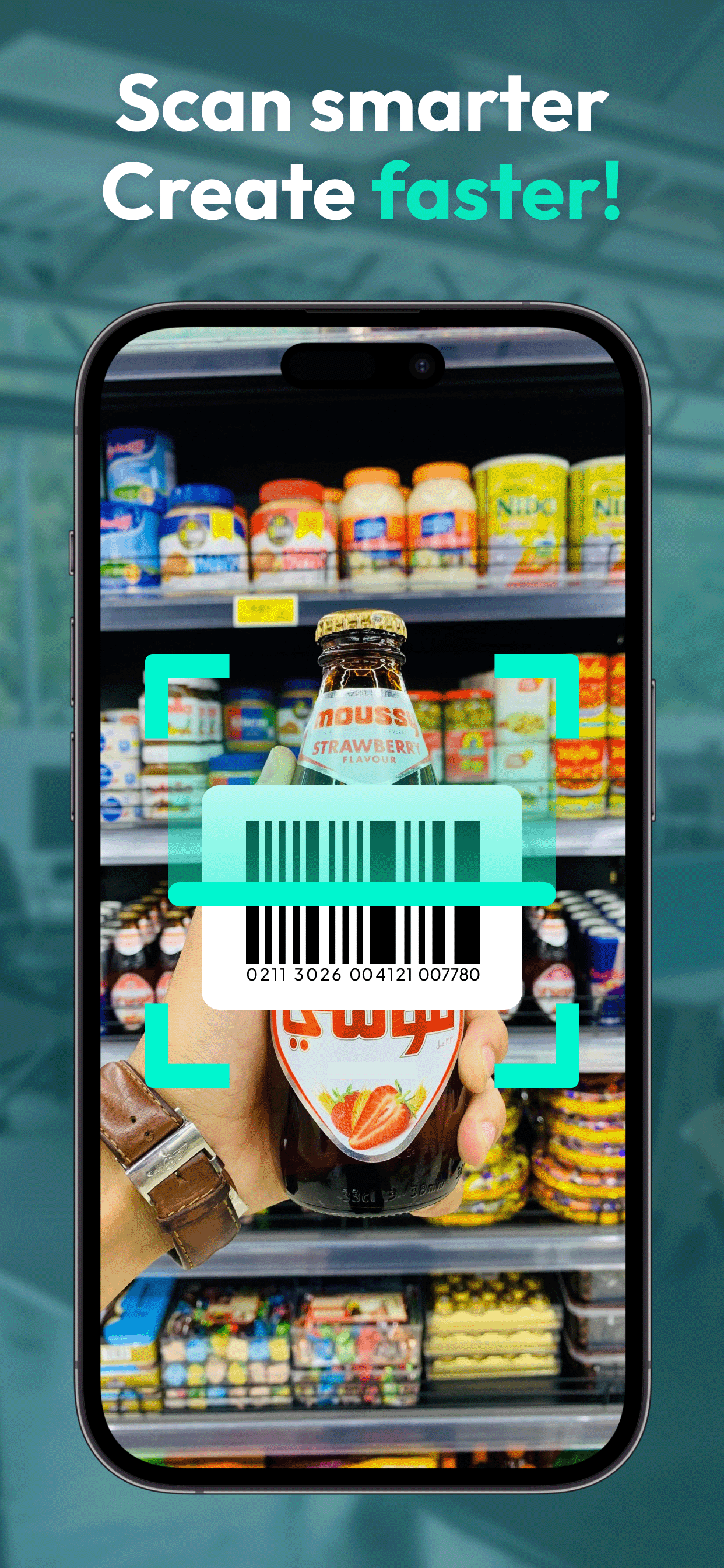
Scan QR codes from camera or photo library with quick recognition.
Create QR codes for text, website, email, Wi-Fi, contact, and location.
Review scanned records and access previous results anytime.
Copy, save, or share generated QR results in a single tap.
Clean interface optimized for fast operations and everyday use.
No complicated setup. You control camera and tracking permissions.
Launch the app and choose Scan or Create from the home tab.
Use camera for scanning, or fill your content to generate a QR code.
Keep results in history, copy details, or share with others instantly.
Core scanning and generating features are available without complex setup.
Yes. You can pick an image from your album and detect QR content.
All scan records are available in the History tab.